 Ultimate guide
Is Professional Book Printing for Authors Worth It?
Last Updated: November 2, 2026
Quick Summary
Professional book printing is worth it when you compare cost per copy against your realistic sales, because unit cost falls as quantity rises but bulk stock carries storage and insurance costs. Print Brain offers free artwork checks and can quote based on quantity, dates and delivery.
- Printing splits into preflight and proofing, paper and cover selection, printing and binding, then finishing and delivery.
- Common trim sizes include 198 × 129 mm, 216 × 138 mm and 234 × 156 mm, with bespoke sizing available.
- Add 3 mm bleed on every edge where images or colour run to the trim.
- Supply images at 300 dpi at final print size and convert colour to CMYK early.
- A physical proof reveals paper shade, laminate texture and binding tightness that a PDF proof cannot.
Table of Contents
- What Professional Book Printing for Authors Actually Involves
- Self-Publishing Book Printing Costs and Print Quantities
- Best Paper Types for Book Printing and Cover Finishes
- How to Format a Book for Print: Files, Bleed and Proofing
- Frequently Asked Questions
What Professional Book Printing for Authors Actually Involves
Professional book printing for authors turns a finished manuscript into physical copies through commercial print methods, binding and finishing. Print Brain can help with file checking, proofing and printing, and our team is available to discuss your requirements.
The work splits into four stages: preflight and proofing, paper and cover selection, printing and binding, then finishing and delivery. Formatting decisions determine what the printer can produce, so print cannot be an afterthought.
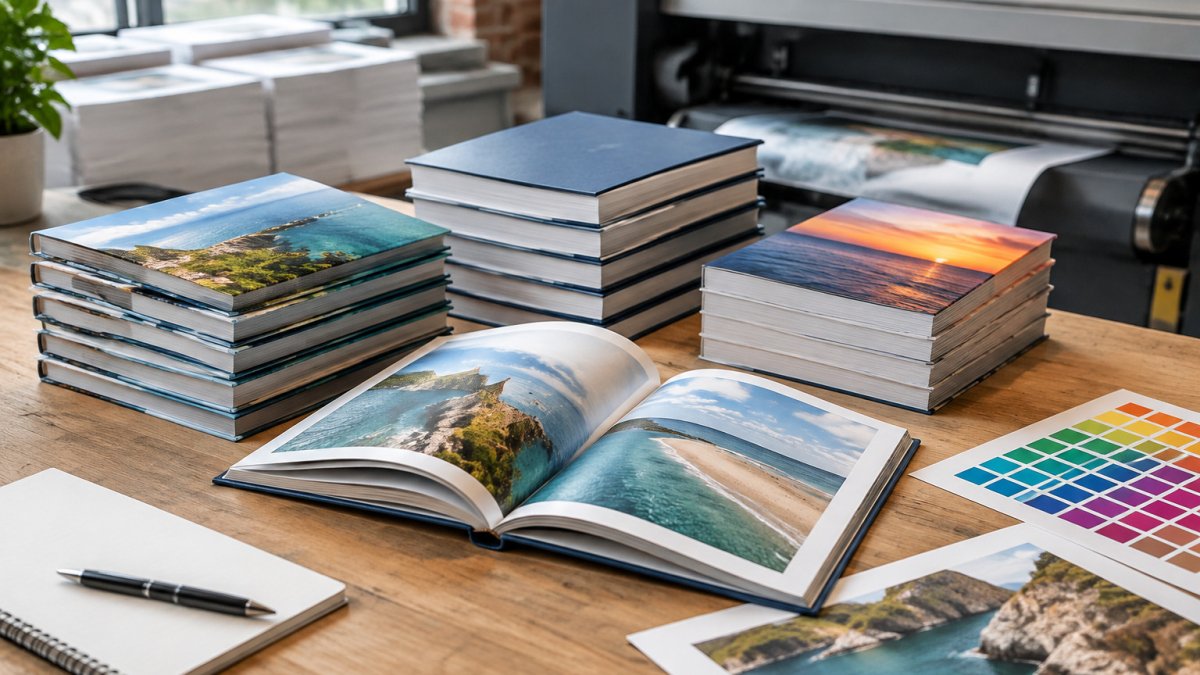
If you want to see examples of finished work before committing, you can look at our printed books collection.
Self-Publishing Book Printing Costs and Print Quantities
Self-publishing book printing costs depend on page count, trim size, paper stock, binding, quantity and finishing. Unit cost generally falls as quantity rises, so compare cost per copy rather than the headline figure. Pricing depends on quantity, dates and delivery, so contact Print Brain for a quote.
Build your comparison around the main cost lines:
- Setup and preflight: file checking, proof copies and make-ready charges.
- Printing and binding: driven by page count, trim size, paper weight and binding method.
- Finishing: lamination, spot UV, foil or embossing, each of which adds to unit cost.
- Delivery and storage: delivery, plus space and insurance for holding stock.
- Fulfilment and returns: postage and packaging per order if you sell direct.
A useful break-even check compares the all-in cost per copy of a short run against a bulk run plus storage. You can also review our perfect bound booklets to check specs and request pricing. If the bulk unit price is lower but you hold stock for twelve months, add storage, insurance and tied-up cash before declaring it cheaper. Bulk usually only wins when most copies sell within a reasonable period.
| Your situation | Best option | Why |
|---|---|---|
| Testing demand | Short run | Low upfront spend, no storage |
| Launch event or signing | Bulk run | Lower unit cost, stock on hand |
| Steady low-volume sales | Print-on-demand | Reprint only what sells |
| Selling direct at talks | Bulk run | Copies available immediately |
Watch out: ordering a large first run to chase a lower unit price can leave you with unsold stock, which carries storage, insurance and opportunity cost.
Best Paper Types for Book Printing and Cover Finishes
Paper choice comes down to how the book feels and how ink sits on the page. Cream or off-white uncoated stock suits long prose and reduces glare; white stock gives sharper contrast for images.
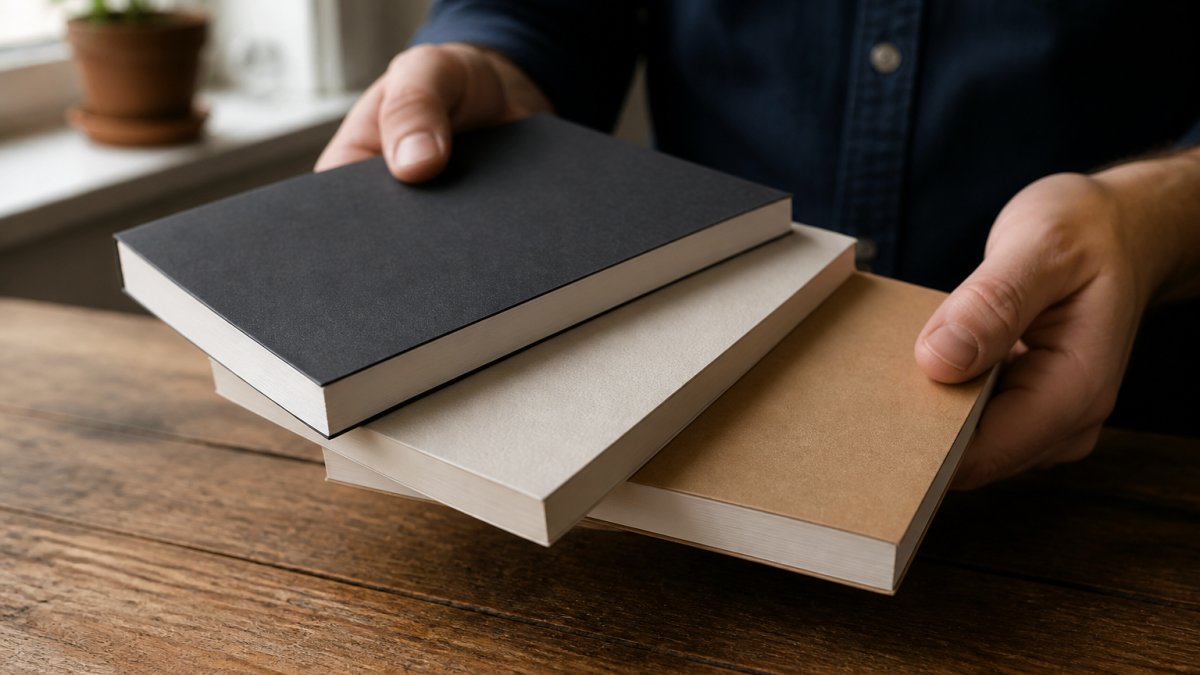
For covers, matt laminate gives a soft, non-reflective finish, while gloss lifts colour but shows marks. Our paperback book printing page shows a real example and its finish choices. If weighing paperback against hardback, you can look at our case bound hardback work as an example.
How to Format a Book for Print: Files, Bleed and Proofing
Formatting a book for print means setting trim size, margins, bleed, spine width and export settings before files reach the printer. Get these right and the rest is straightforward; get them wrong and you will be correcting files under deadline pressure, often after a proof is rejected.
Work through the specification in this order:
- Trim size: set the document to your exact finished size, not A4. Common trim sizes include 198 × 129 mm (standard UK trade paperback), 216 × 138 mm and 234 × 156 mm, and bespoke sizing is available.
- Margins: keep body text at least 15 mm from the trim edge, with a slightly larger inner margin for binding creep. Use mirrored margins.
- Bleed: add 3 mm bleed on every edge where an image or colour runs to the edge, or trimming tolerance leaves a white sliver.
- Spine width: multiply page count by the paper's caliper, adding cover board thickness for hardbacks. Ask your printer for the caliper rather than guessing.
- Resolution: supply images at 300 dpi at final print size; web images at 72 dpi will look soft.
- Colour: convert to CMYK early, not at export, or skin tones and rich reds shift.
- Fonts: embed all fonts and avoid thin weights below 8 pt, which can fill in on uncoated stock.
- Export: supply a print-ready PDF with crop marks and bleed, and check the page size matches trim plus bleed.
Common file errors include missing bleed, RGB images, low-resolution images, fonts not embedded, and spine text running into the trim.
Proofing is a separate quality-control step. When the physical proof arrives, inspect it in this order:
- Pagination: check page one starts where expected and no blank pages are missing or duplicated.
- Margins and trim: hold a straight edge against the trim to confirm text is not too close.
- Colour: compare photographs and brand colours against your screen under daylight, not office lighting.
- Binding: open at several points and check pages turn freely and the spine is square.
- Finishing: check laminate for bubbles, foil for alignment and cover for scuffing.
Watch out: a digital PDF proof will not reveal paper shade, laminate texture or binding tightness, so a physical proof is worth considering before a full run.
Once your files are ready, contact us about your project. Print Brain offers free artwork checks.
Frequently Asked Questions
What is the difference between digital and litho book printing?
Digital printing prints each copy directly from your file, which suits short runs and lets you order small quantities without a large upfront spend. Litho printing uses plates and becomes cheaper per unit once quantities climb into the hundreds or thousands. For most self-publishing authors starting out, digital or short-run printing keeps unit cost manageable while you test demand. Ask your printer which method fits your print quantity before you commit, because the crossover point varies by format and paper stock.
How do I prepare my manuscript files for professional printing?
Set your document to the exact trim size, add bleed (usually 3mm) on every edge, and keep text and page numbers inside the safe margins. Convert images to CMYK at 300dpi and embed all fonts. Export as a print-ready PDF with crop marks. Print Brain offers free artwork checks, so you can have your file reviewed before you order.
Do I need an ISBN to print my book?
No, you do not need an ISBN to print a book, but you do need one to sell it through retailers and distributors. In the UK, ISBNs are issued by Nielsen BookData, and self-publishers can buy them directly. If you only want copies for family, clients or events, you can print without one. Plan your ISBN and distribution route before finalising the cover, because the barcode and back cover layout depend on it.
Printing a book involves dozens of small decisions, and one wrong setting can undo weeks of work. Print Brain takes that risk off your desk with free artwork checks before every job, sustainable materials and finishes, and bespoke quotes built around your page count and quantity. Get started with Print Brain and put your manuscript into print with confidence.